Main Objective
One system that runs client work from records to filing.


CodeCrackers built a custom client portal and practice management system for a UK accountancy firm with 650 clients. Documents now arrive in one place, reminders send themselves and every deadline is tracked automatically. That frees the team to focus on advice instead of admin.
The client is a 12-person accountancy practice in Leeds, looking after around 650 sole traders, limited companies and landlords. It handles bookkeeping, VAT, payroll, year-end accounts and self-assessment tax returns.
As the practice grew, so did the admin. Staff spent hours chasing paperwork, deadlines lived in spreadsheets, and documents were scattered across inboxes and folders. The partners asked CodeCrackers to build one system to keep clients, documents and deadlines under control.
One system that runs client work from records to filing.
Less chasing, faster turnaround and no missed deadlines.
The practice had loyal clients and a skilled team, but four connected problems were eating into every working week. Each one made the others worse.
Files arrived by email, post and WhatsApp, and different people saved them in different folders.
Time lost searching for files.
Staff spent hours emailing and phoning clients for receipts, bank statements and missing information.
Work stalled waiting for paperwork.
Hundreds of filing deadlines lived in spreadsheets that were updated by hand, so dates were easy to miss.
Last-minute rushes before deadlines.
Partners couldn't see who was working on what, or which jobs were falling behind.
Uneven workloads and late surprises.
What the client wanted to achieve: one secure system where clients upload and sign documents, and reminders go out automatically. It would create every deadline for them and let the partners see the whole practice at a glance.
Before writing any code, we sat with the team through a busy month and mapped how every job moved from requesting records to filing.
We followed real jobs from the first request for records to final filing, noting every email, call and spreadsheet along the way.
We tested popular practice management tools. None matched the firm's workflow, client types and reminder style without awkward workarounds.
We spoke with partners, accountants, bookkeepers and a group of clients to understand what each needed from the system.
The practice wanted a system shaped around how it actually works, so a custom platform was the best long-term fit.

A structured eleven-week approach kept every stage transparent and on time. Select a stage to see what happened.
We started by sitting with the team during a busy month and following real jobs from records to filing. We then agreed the priorities with the partners.
Drag the handle to compare how the practice ran before and after the new system.


Both views are illustrations: the “before” shows the old way of working, the “after” shows the new system. Client data is not shown.
Four connected workstreams, each one solving a specific part of the challenge.
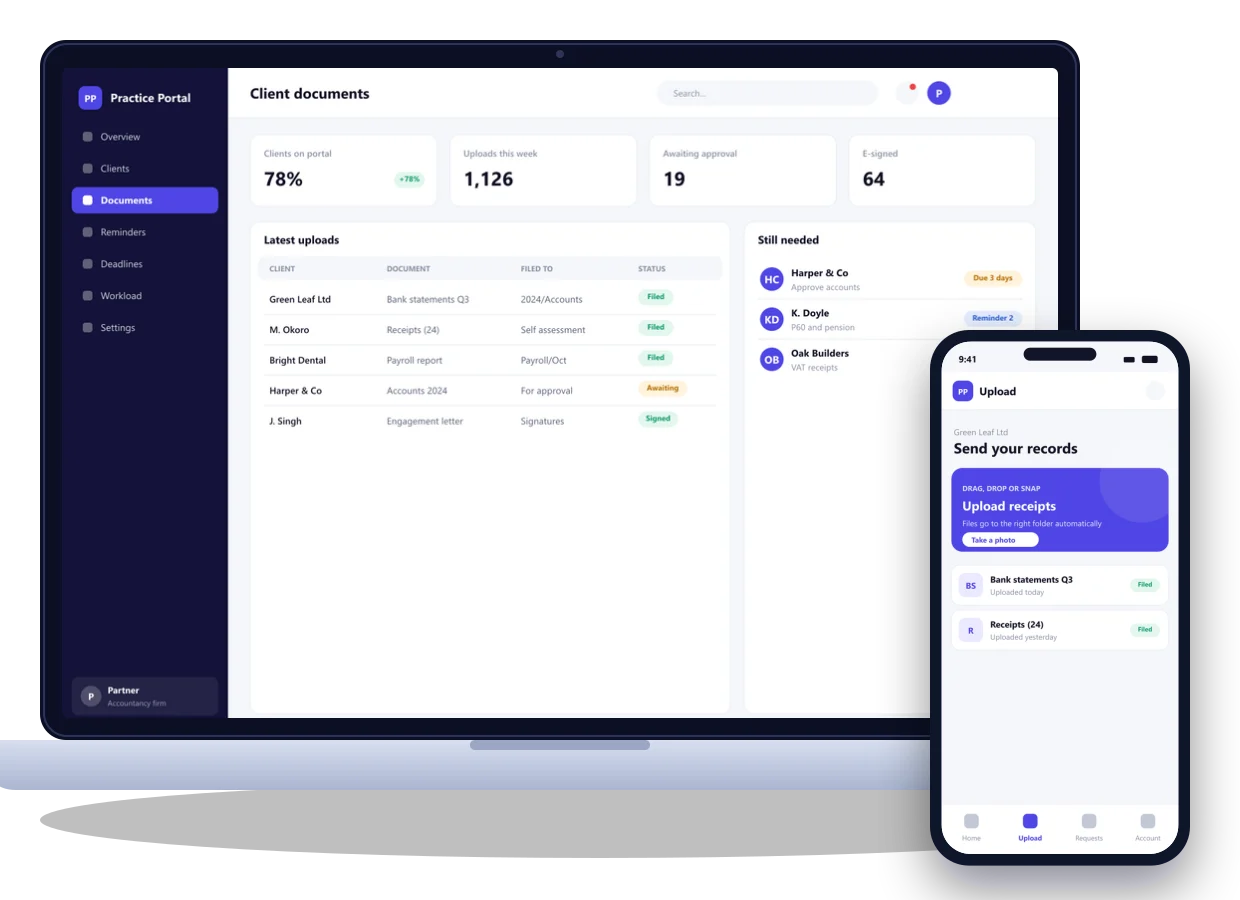
Clients log in from their phone or computer to upload receipts and statements, see what's still needed, approve accounts and sign documents electronically. Every file lands in the right client folder automatically.
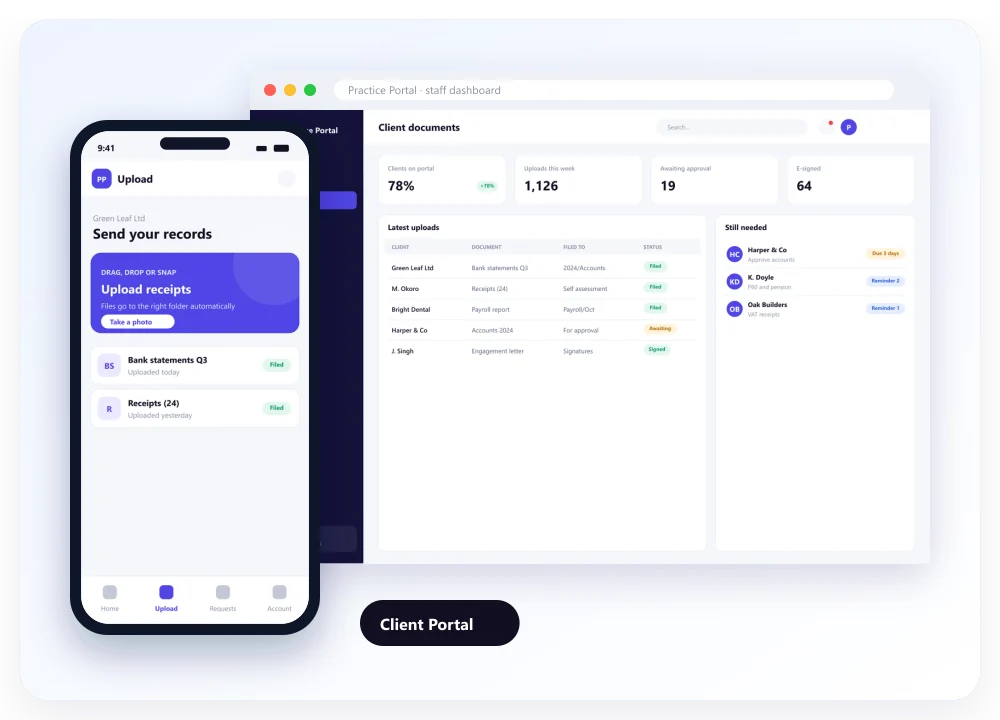
When records are due, the system sends friendly reminders by email and text, gently escalating until everything arrives. Staff only step in when a client needs a personal call.

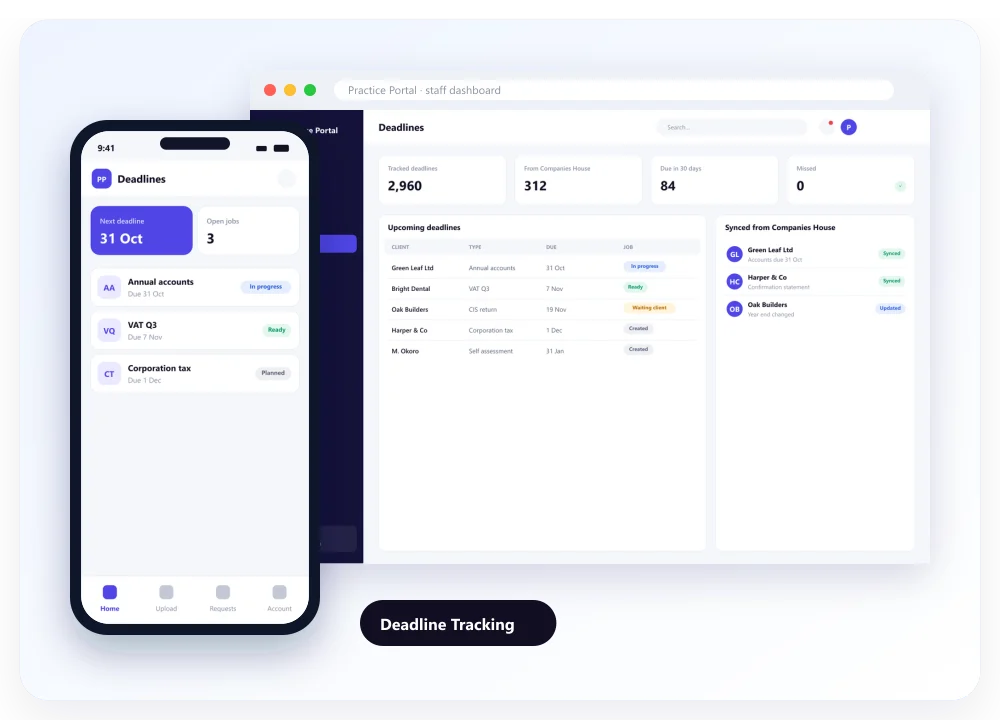
The system pulls company dates from Companies House and builds each client's VAT, payroll, accounts and tax return deadlines. Jobs are created well ahead of time, so nothing is left to memory.
Partners see every job, who owns it, what's waiting on the client and what's at risk. When someone is overloaded, work can be reassigned in a few clicks.

The finished system on desktop and mobile, with the client portal, automated reminders and the workload dashboard.
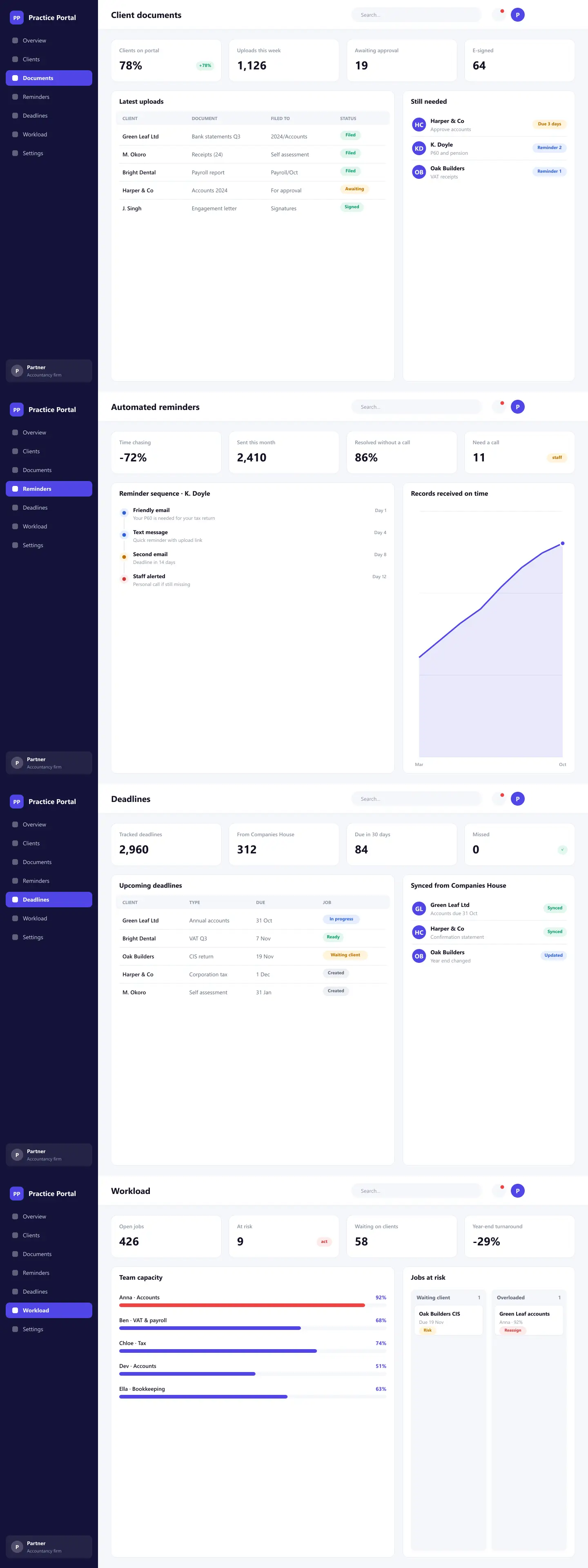
Hover over a screen and scroll through the product screens.
Measured results in the first 90 days after launch.
Staff hours spent chasing clients, compared with the same period last year.
Clients who uploaded documents through the portal in the first 90 days.
Average time from records received to accounts filed.
One custom system took the admin out of running the practice. Clients know exactly what to send, reminders go out on their own and every deadline is tracked automatically. The team now spends more time advising clients.
“We were drowning in emails and spreadsheets every deadline season. CodeCrackers built a system around exactly how our practice works. Clients upload everything in one place, reminders go out on their own, and we can finally see every deadline coming.”
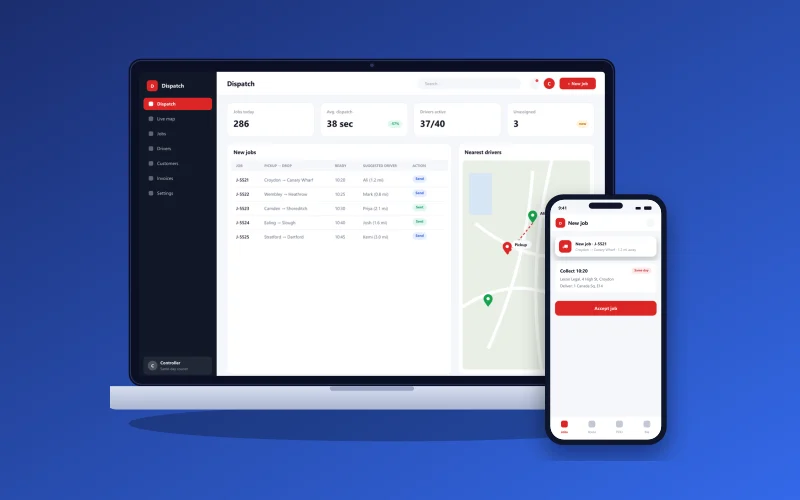
CodeCrackers built a custom real-time dispatch and tracking platform for a UK same-day courier company with 40 drivers. Controllers now see every van live on one screen, customers can track deliveries to the minute, and proof of delivery arrives the moment a parcel is dropped off.

CodeCrackers built a custom iOS and Android app for a UK driving school with 18 instructors. Pupils now book, pay and track their progress in one place, and instructors manage their diaries on the go. No-shows fell by 42%.

CodeCrackers designed, built and launched Vantro, job-management software for small UK trade businesses. It covers scheduling, quotes, invoices, a mobile app for engineers and subscription billing. Vantro went from idea to paying customers in eight weeks.


